
The planner
187 thoughtfully designed pages: checklists for every stage, budget trackers, guest lists, seating plans, vendor comparisons, ceremony and reception planning, and day-of timelines.
Printable & tablet wedding planner
Everything from “yes” to “I do” in one calm, beautifully organized place. Print it and bind it, or tap through it on your tablet.
Checkout opens soon · $24
Try the free sample (PDF)Instant download · Secure checkout by Gumroad · 14-day happiness promise
What you get
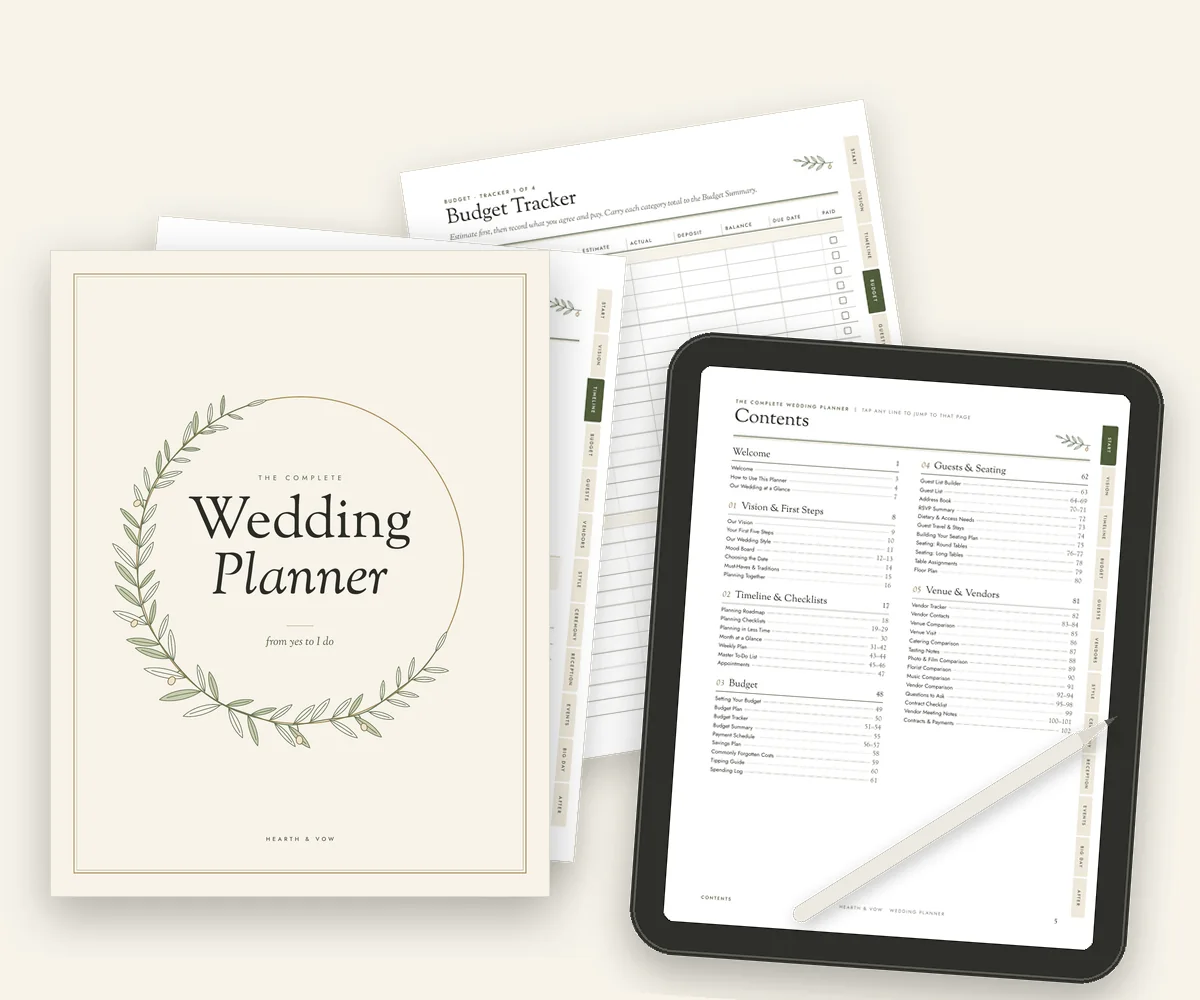
187 thoughtfully designed pages: checklists for every stage, budget trackers, guest lists, seating plans, vendor comparisons, ceremony and reception planning, and day-of timelines.

A US Letter edition for North America and an A4 edition for everywhere else, each laid out for its own paper with roomy, binder-friendly margins. You get both.

Every planner page has tappable section tabs, and nearly every page links back to the contents, so you can move around it like a binder in Goodnotes or Notability. It also opens in other PDF note apps, where link behavior varies.

A bonus spreadsheet that does the math for you: budget totals, RSVP counts, seats left at each table and a countdown dashboard. Opens in Excel or Google Sheets.
Look inside
Tap any page to see it up close. What you see here is exactly what you download.
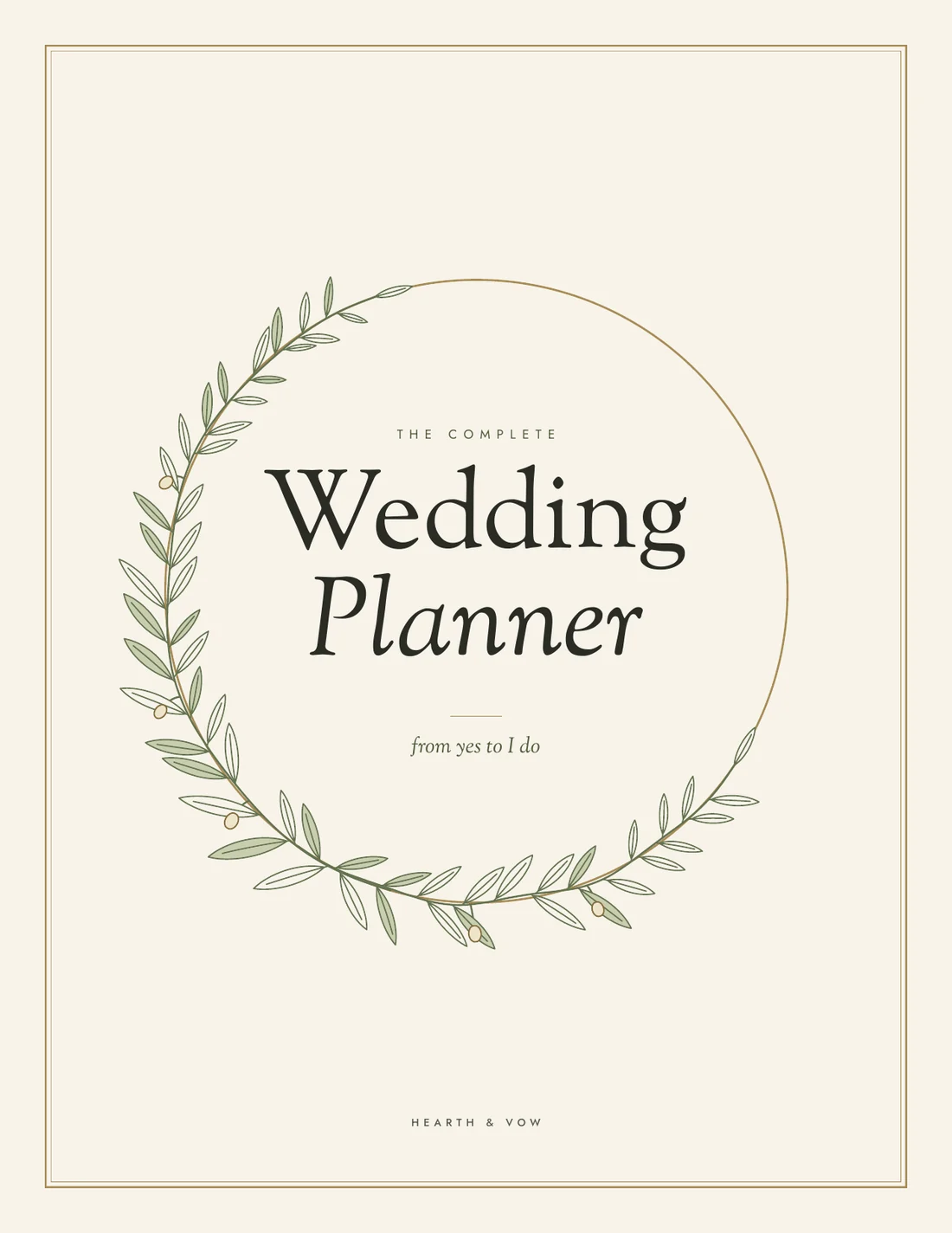
The cover
Page two holds your names, wedding date and venue.
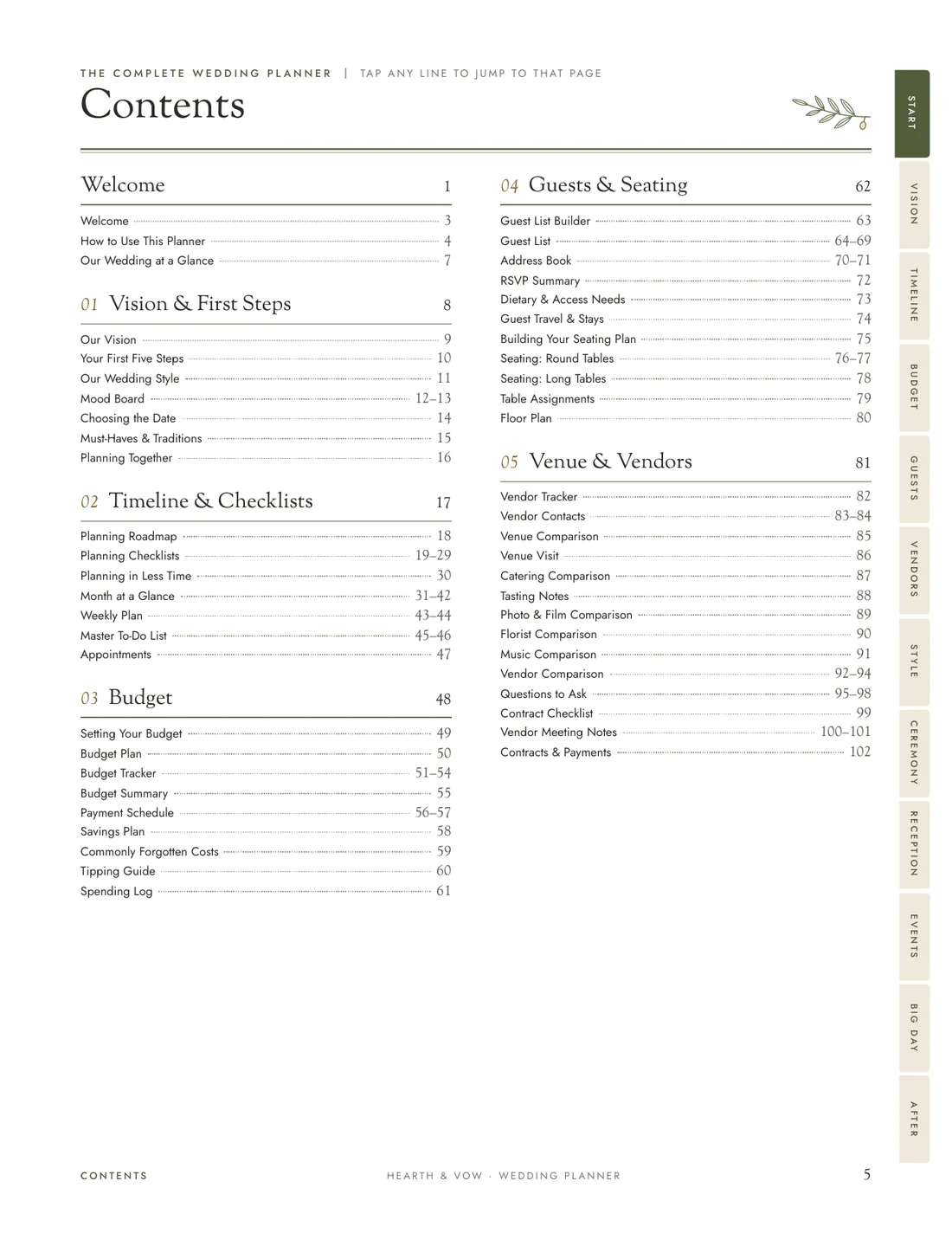
Tappable contents
Every line jumps to its page on a tablet.
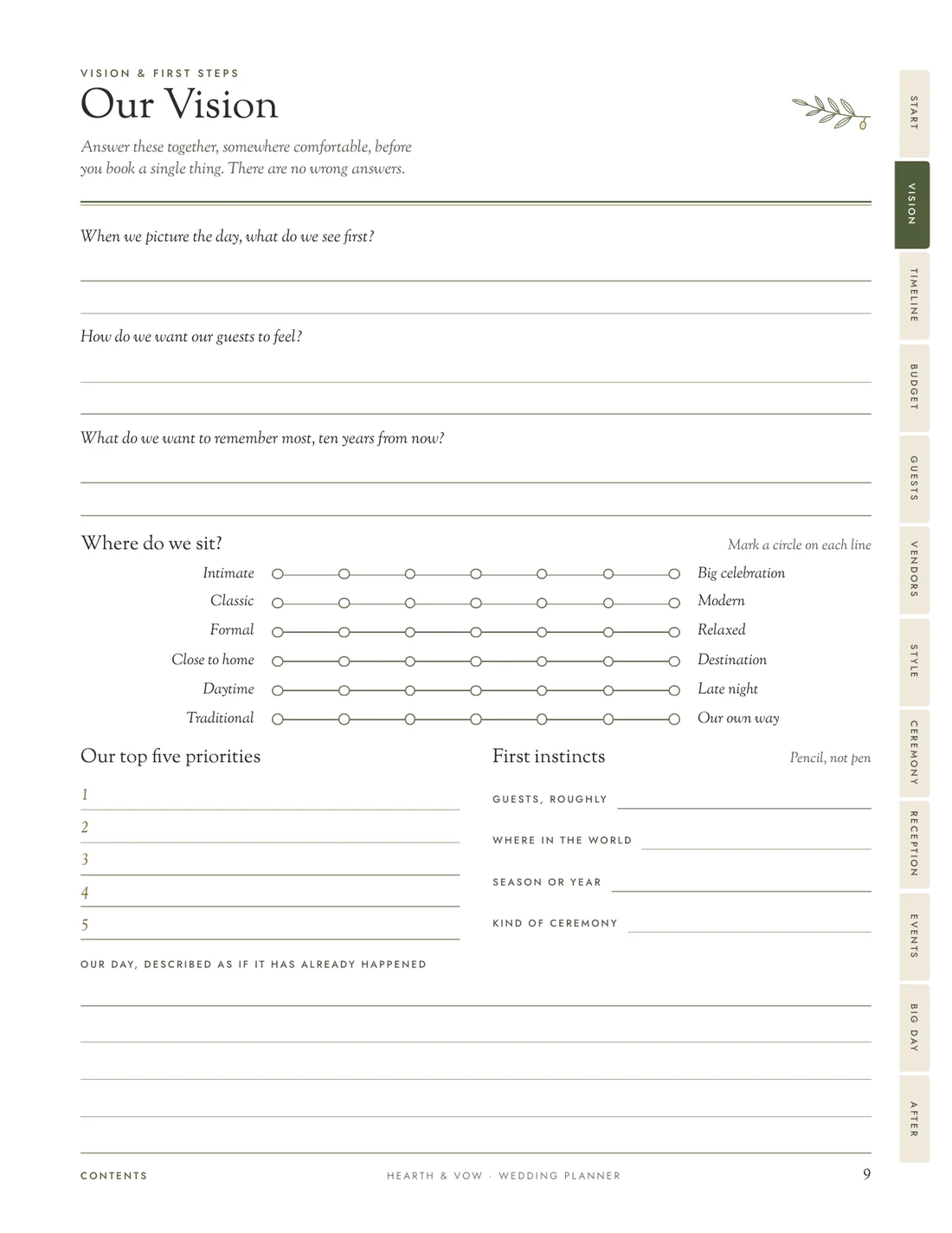
Our vision
Decide the feeling of the day before you book anything.
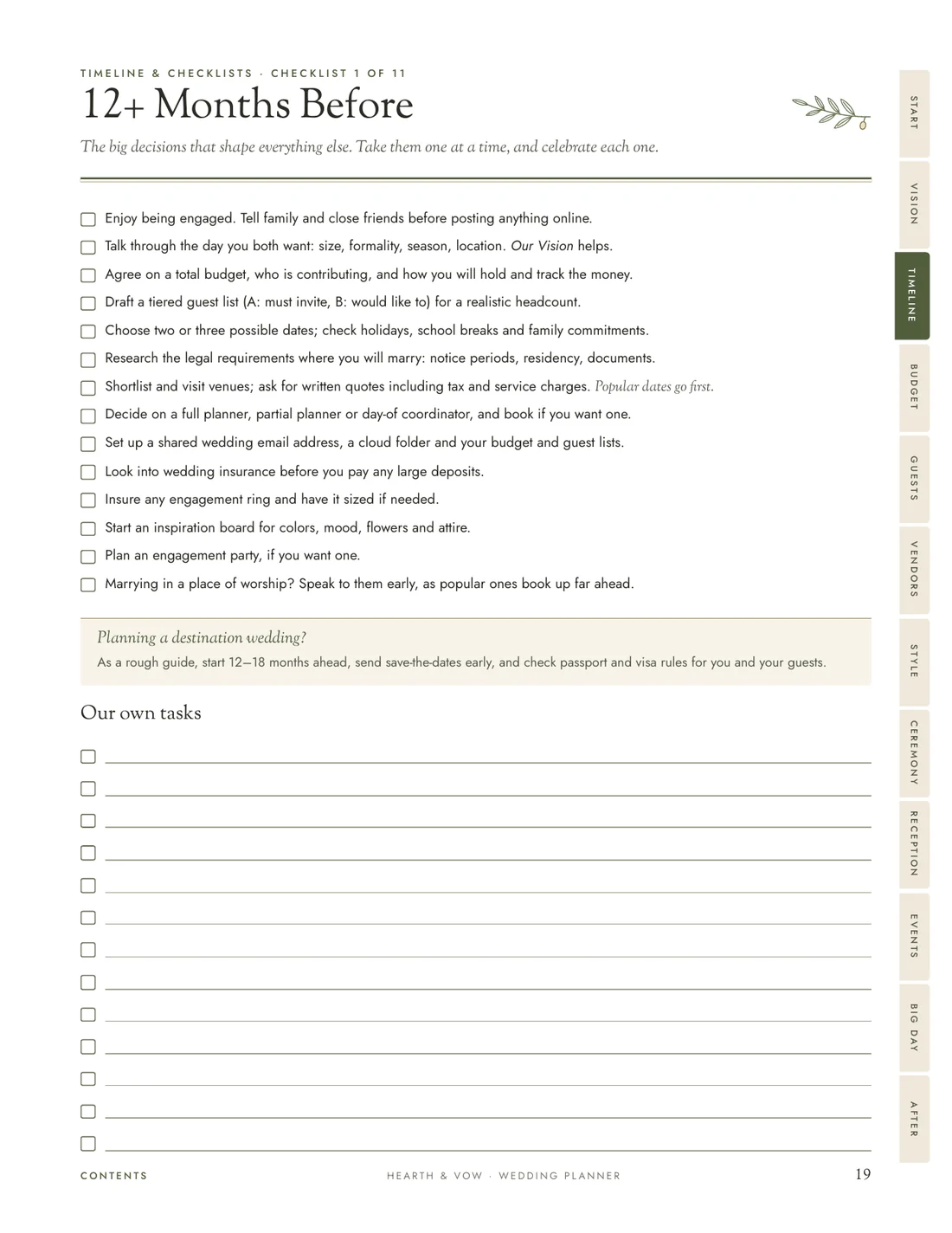
Planning checklists
One page for every stage, from a year out to the weeks after.
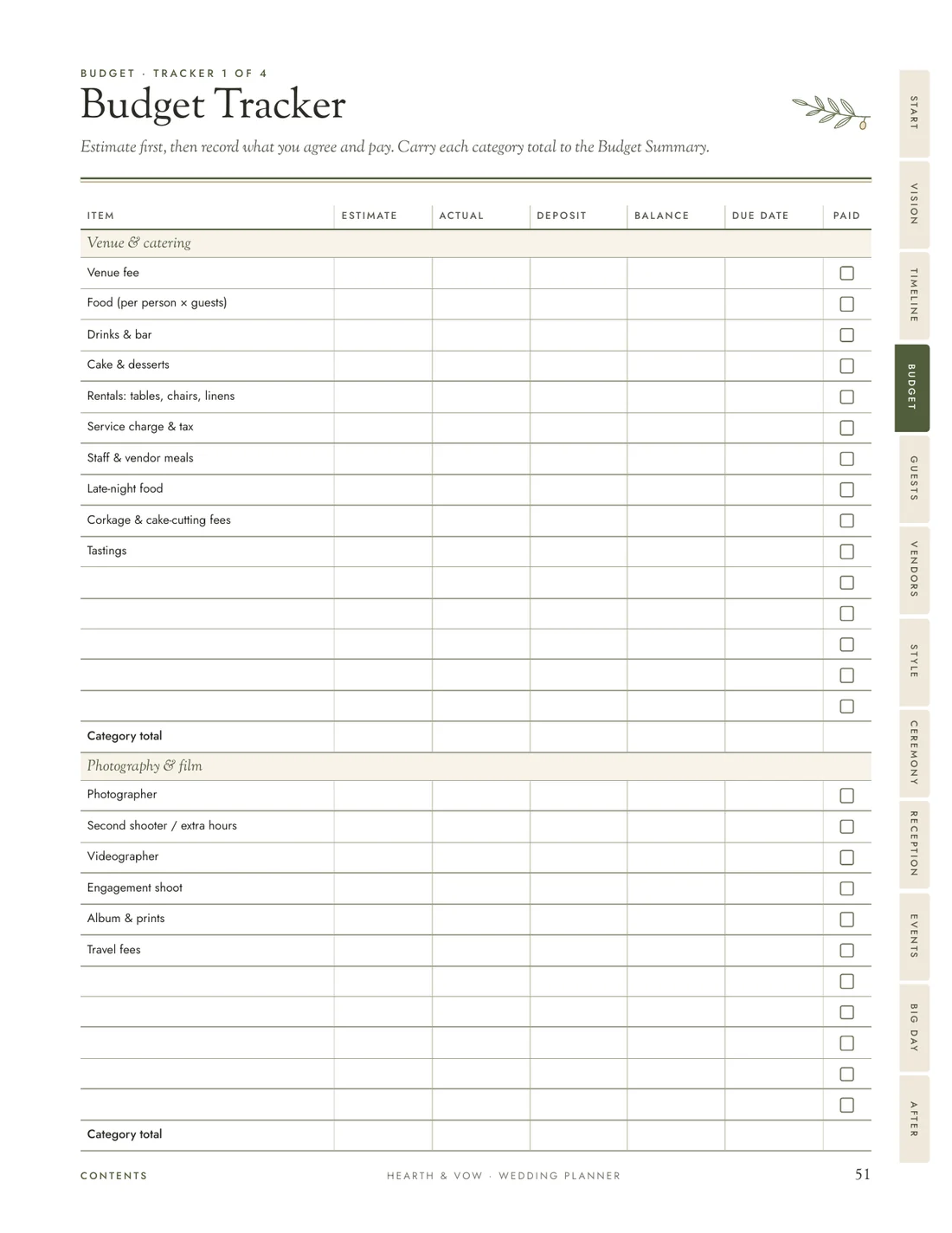
Budget tracker
Estimates, deposits, balances and due dates in one place.
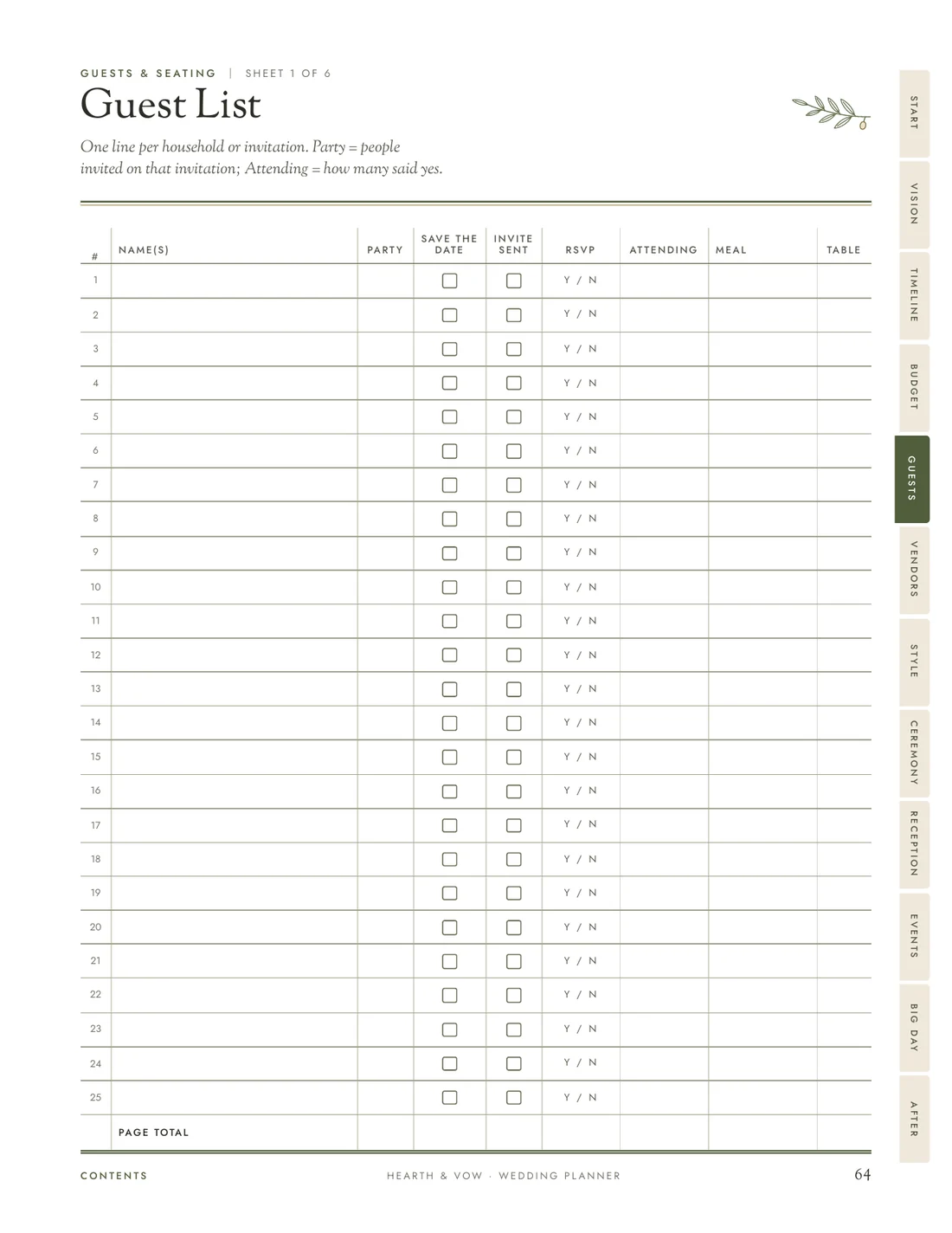
Guest list
Replies, meals and tables, with room to write.
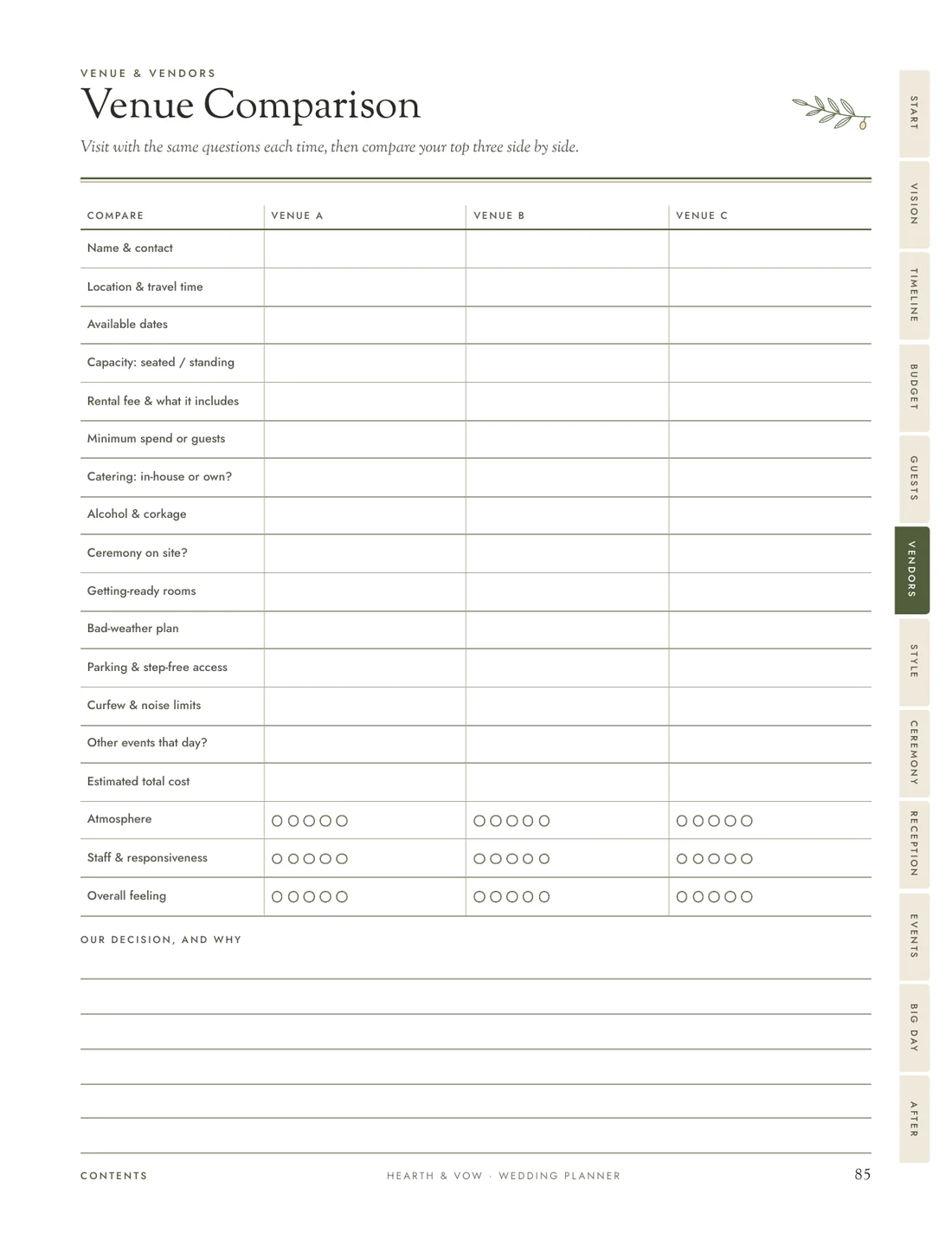
Venue comparison
Compare your top three side by side.
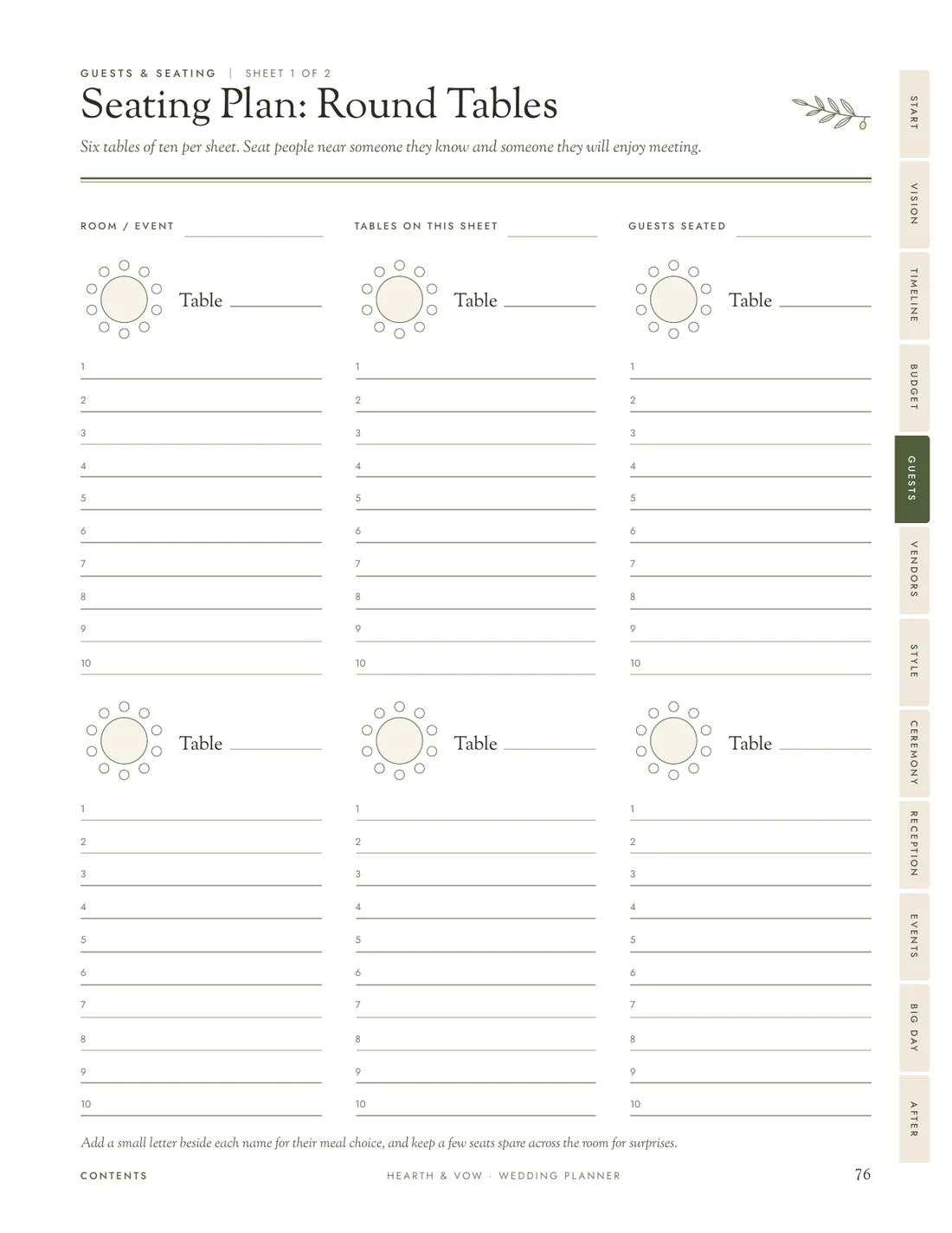
Seating plan
Round and long tables, seat by seat.
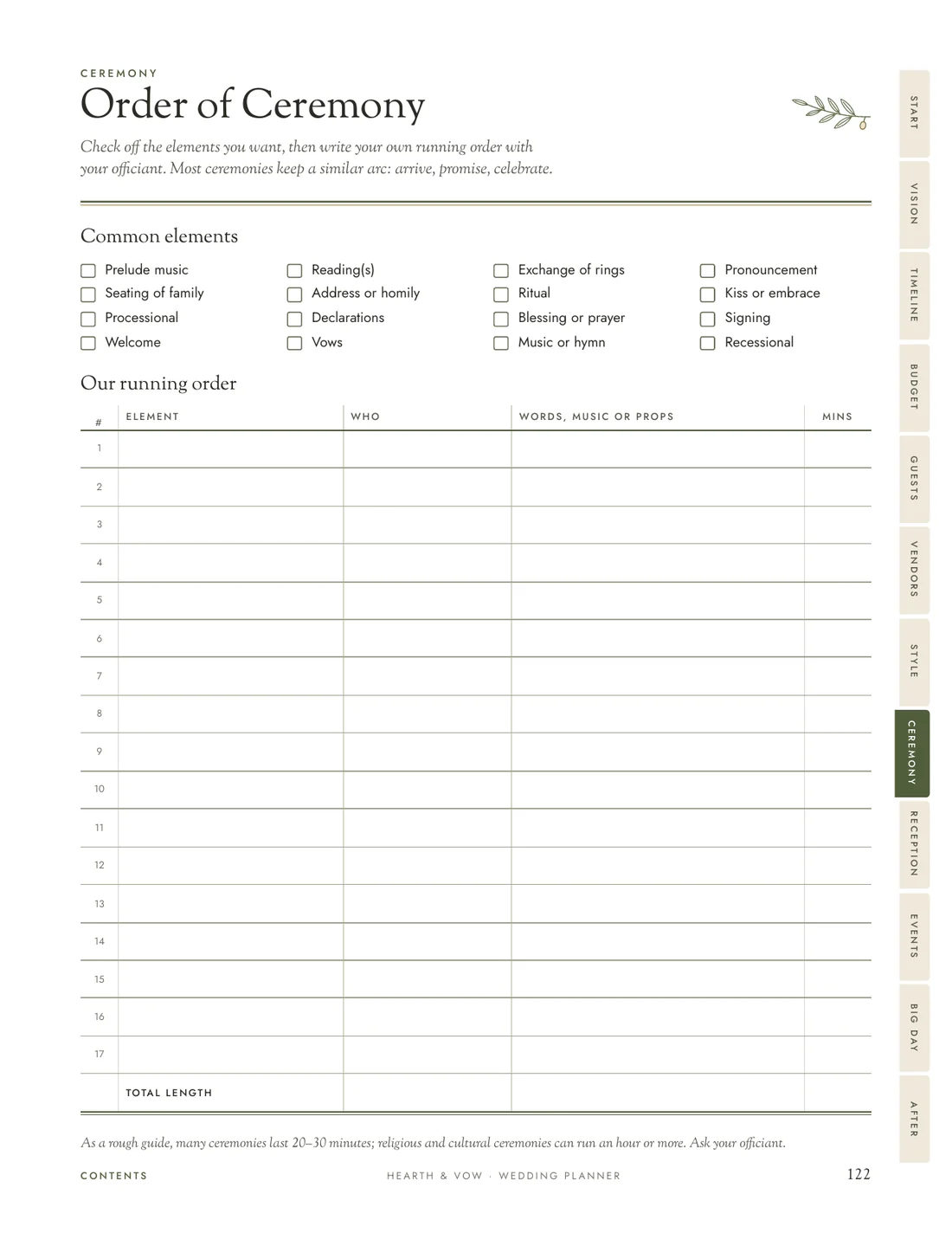
Order of ceremony
Tick the elements you want, then write your own running order.
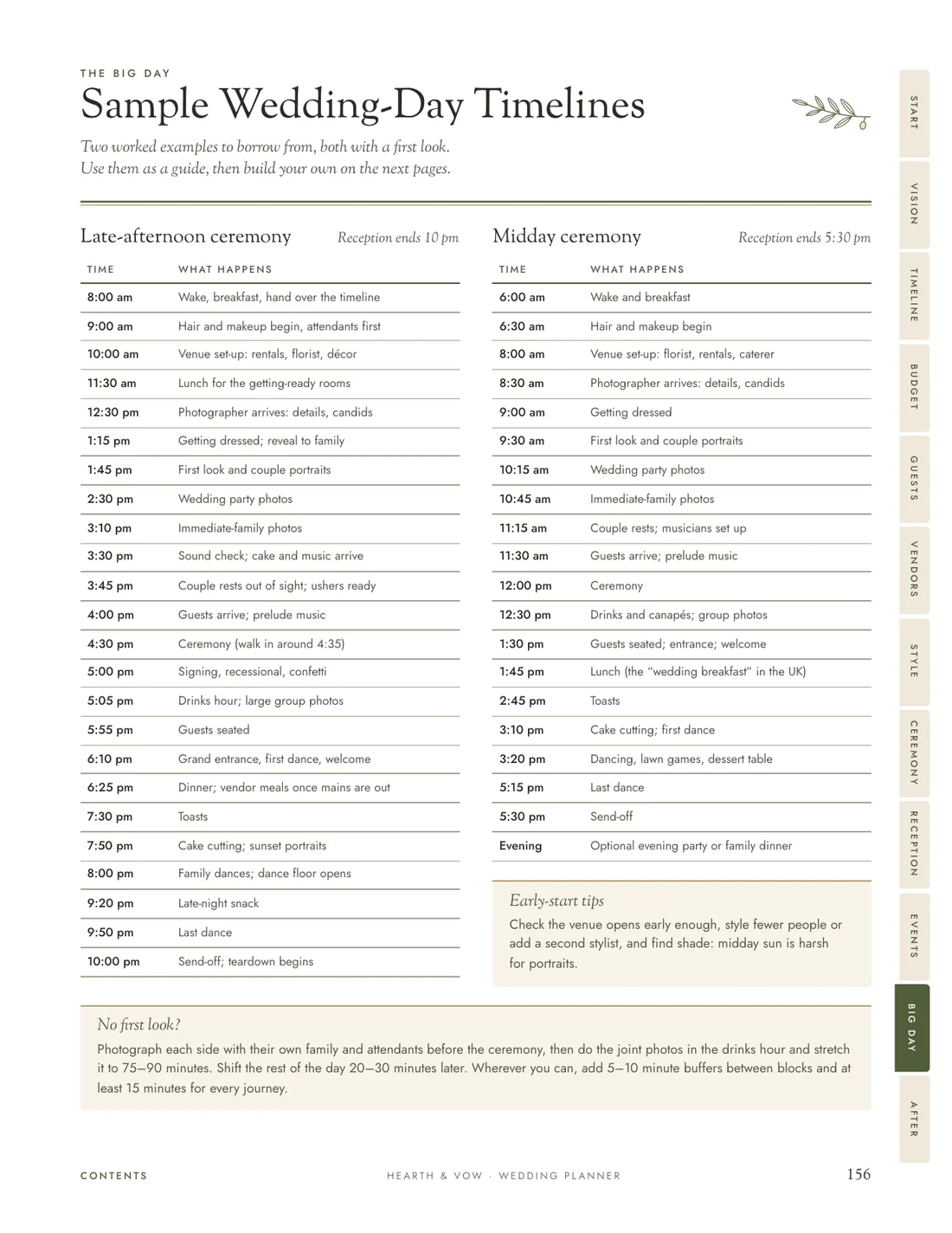
Wedding-day timelines
Two worked examples, then your own hour-by-hour plan.
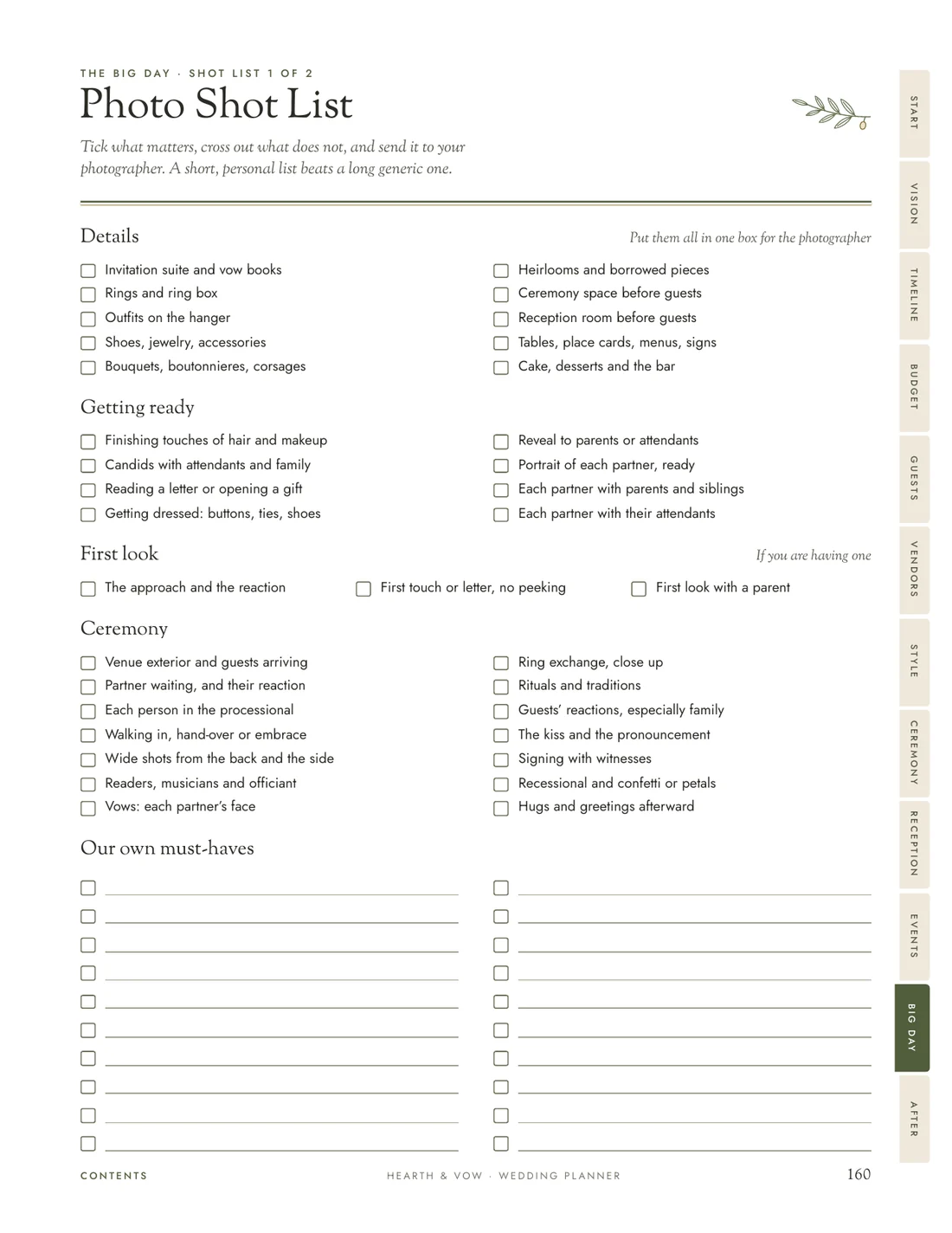
Photo shot list
Every moment you want captured, ready to hand over.
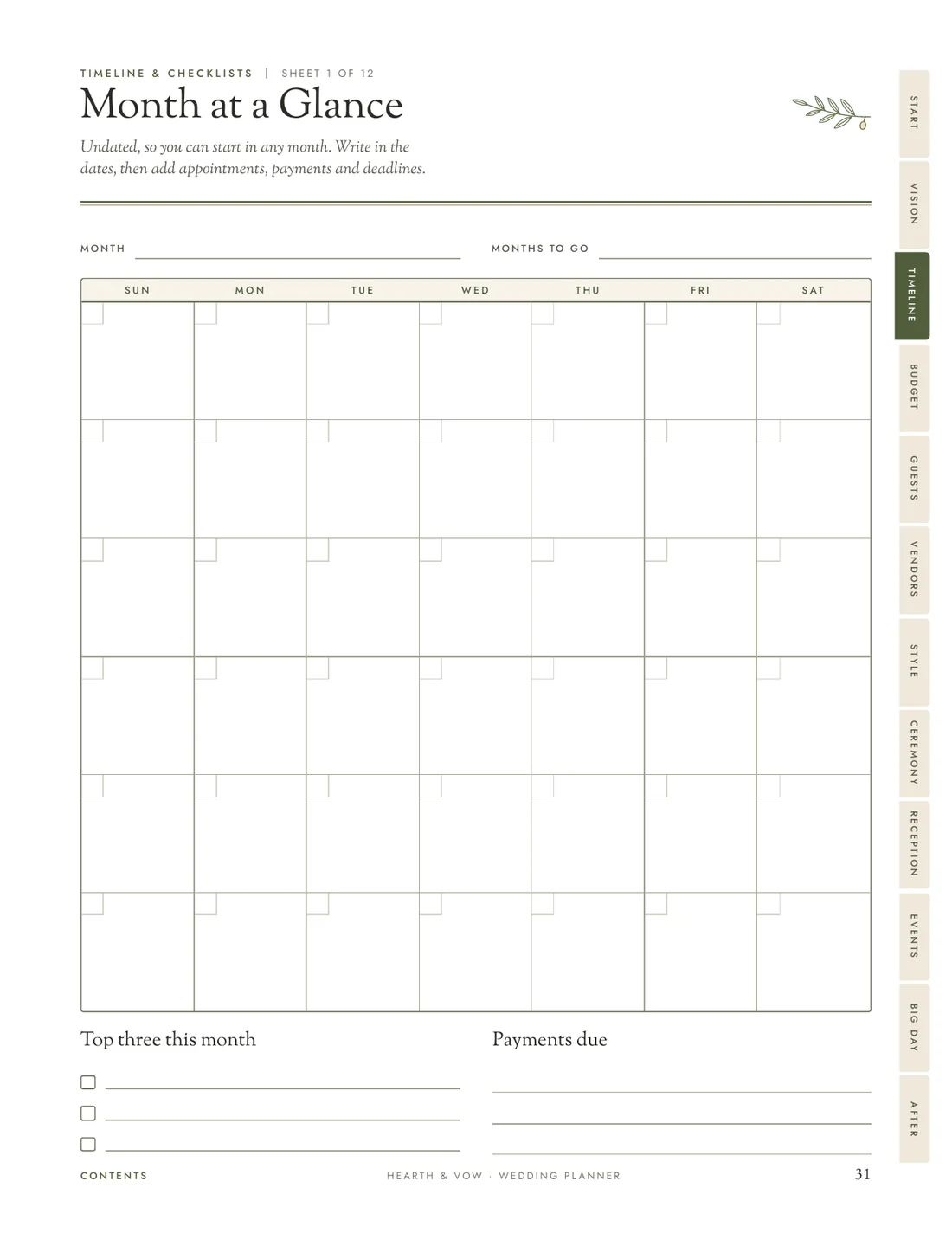
Undated calendars
Start in any month: Sunday weeks in US Letter, Monday weeks in A4.
Download free sample pages (PDF)
12 real pages in US Letter, to print or try on your tablet. The sample is a preview only: its tabs and contents lines are not linked. In the full planner they are.
Section by section
01
Your vision, style, mood boards, choosing the date and dividing up the planning.
02
A checklist for every stage, undated monthly calendars, weekly plans and a master to-do list.
03
Set your number, share it across categories, track every payment, plus a tipping guide and commonly forgotten costs.
04
Guest list builder, guest lists, RSVPs, dietary needs, travel and seating plans.
05
Venue and vendor comparisons, the questions worth asking, a contract checklist and payments.
06
Colors, flowers, décor, stationery, outfits, fittings, beauty and rings.
07
Paperwork, order of ceremony, processional, music, readings, vows and the rehearsal.
08
Run of show, menu, drinks, cake, music, toasts, layout and rentals.
09
Your wedding party plus every celebration: engagement, shower, bachelor and bachelorette, rehearsal dinner, brunch.
10
Sample timelines, your hour-by-hour plan, photo shot list, contacts, delegation and the emergency kit.
11
Honeymoon planning, gift log, thank-you notes, loose ends and memories of the day.
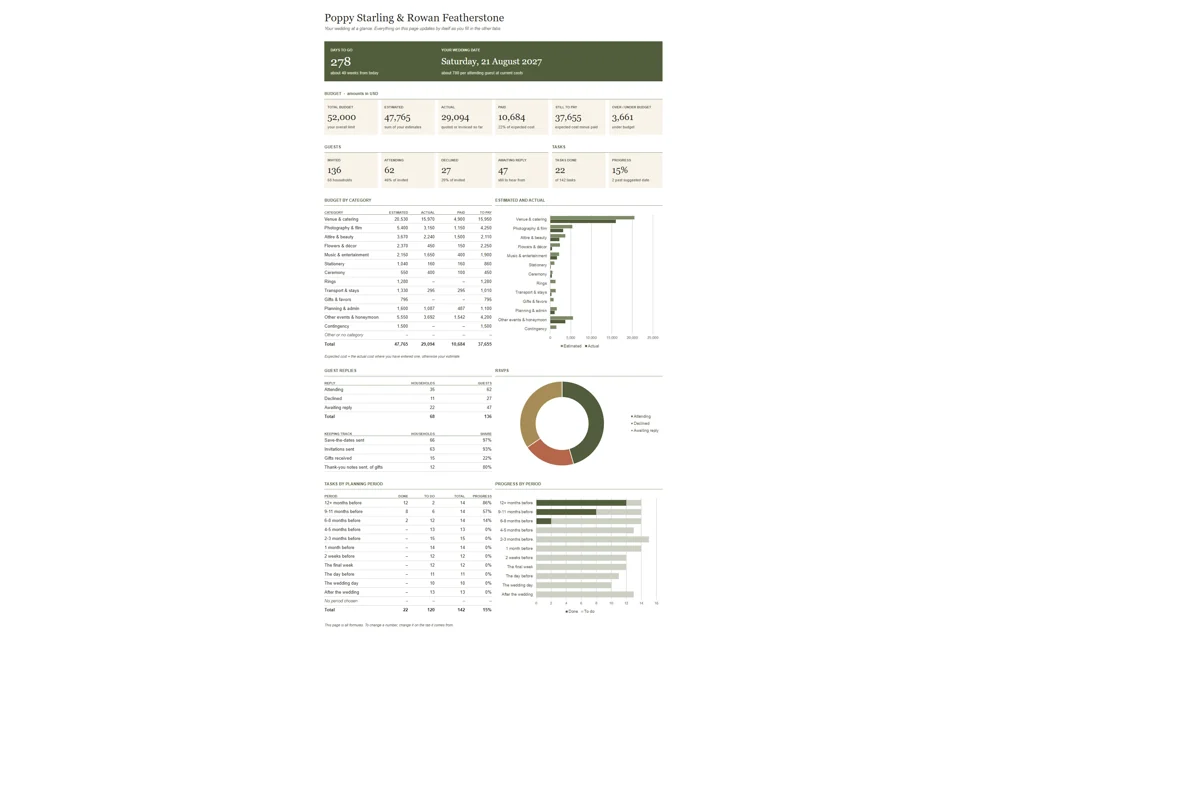
Bonus workbook
Paper is perfect for thinking. Numbers are easier on a screen. The workbook keeps the parts that change every week up to date for you.
Companion phone app
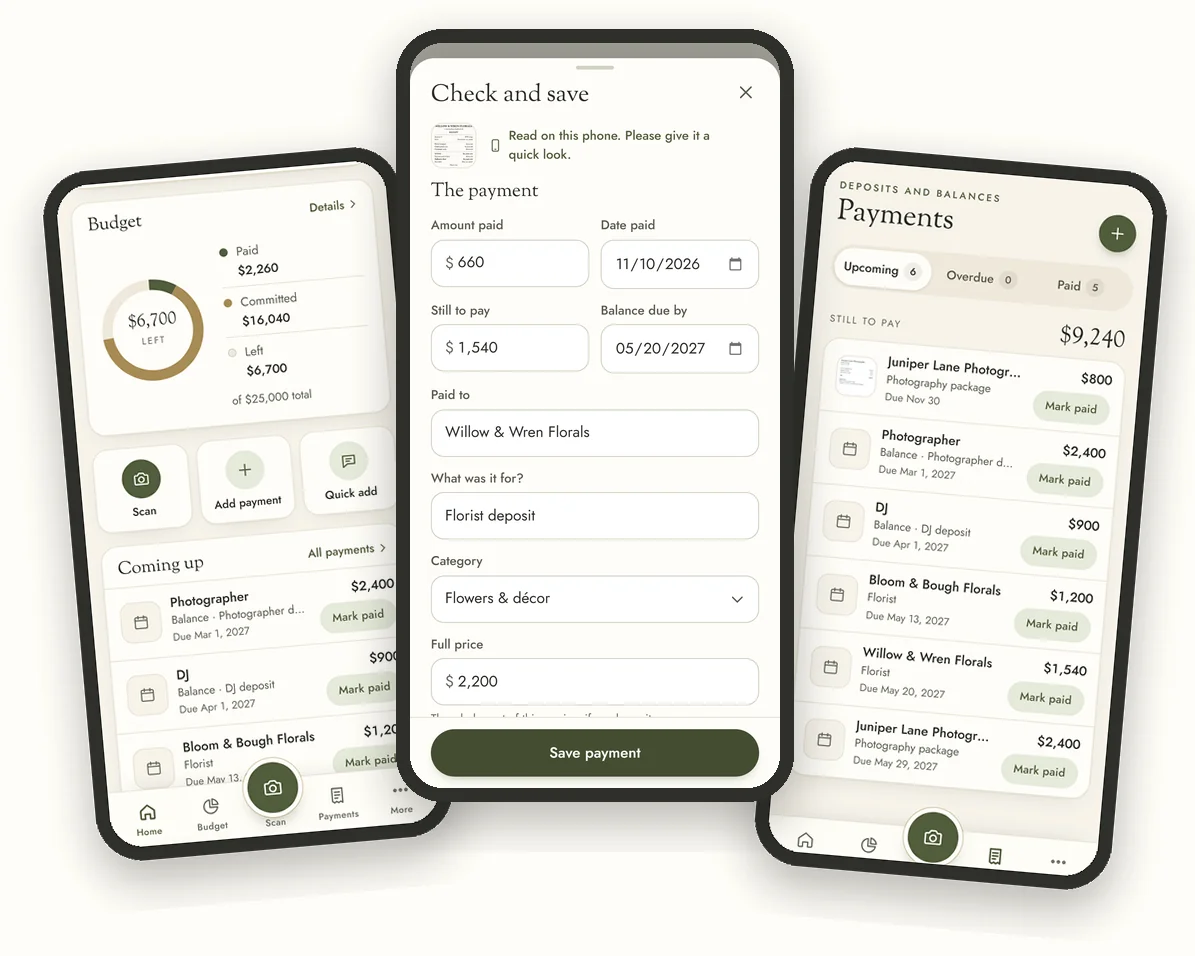
Wedding money moves fast: a deposit at a venue visit, a card payment at a fitting, a bank transfer to the florist. The companion app keeps up, right on your phone.
Works on iPhone and Android. Open it in your browser (Safari on iPhone) and add it to your home screen; there is nothing to download from an app store.
Made for real weddings
Inclusive wording throughout: partners, wedding party, outfits. No assumptions about who you are, who pays or how you celebrate.
No fixed currency, undated calendars, and notes wherever customs or paperwork differ by country, plus simple outlines of several ceremony traditions.
Short notes tell you what to decide and when, with the questions worth asking every vendor, and plenty of space for your own plans.
White writing pages, crisp lines that survive draft mode, and a design that still looks lovely in black and white.
How it works
Pay at a secure checkout run by Gumroad. Your download link appears straight away and arrives by email.
Open the US Letter or A4 edition, plus the workbook and a short read-me guide.
Print the pages you need now, or import the PDF into your favorite note-taking app and start planning.

The complete bundle
$24 USD
Checkout opens soon · $24
Try the free sample (PDF)Instant digital download. Nothing is shipped. Sales tax or VAT is added at checkout where it applies.
14-day happiness promise. If the planner is not right for you, email us within 14 days of purchase for a full refund. Details
Questions
No. It is a digital download: PDF files you print at home or at a print shop, or use on a tablet, plus a spreadsheet. Nothing is shipped to you.
One download with five files:
Use US Letter in the United States, Canada and Mexico, and A4 almost everywhere else. If you are not sure, check the size of the printer paper you already have. You get both, so you can switch any time. The US Letter calendars start on Sunday and the A4 calendars on Monday.
Open the PDF in a PDF reader (Adobe Acrobat Reader is free) and print at Actual size or 100%, not “Fit to page”. Everyday printer paper works well; slightly heavier paper (100–120 gsm, or 28–32 lb) feels lovely and stops ink showing through. For double-sided printing, choose “flip on long edge”. The margins leave room for a hole punch, so a ring binder with dividers is the easiest way to keep it together. You can also take the file to a print shop and ask for it to be printed and coil-bound.
Not at all. Print just the sections you need now and the rest later, and reprint any page whenever you want a fresh copy. Your license allows unlimited printing for your own wedding.
The planner is made for PDF note-taking apps. Import it into Goodnotes or Notability on iPad and write on it with a stylus; the section tabs on every page and the lines of the contents pages are links you can tap. It also opens in other PDF note apps such as Noteshelf, Samsung Notes and Xodo, but how links behave varies by app. If tapping a tab does nothing, switch to the app’s read-only or viewing mode: many apps only follow links when you are not writing.
The planner is designed for handwriting, on paper or with a stylus, so it does not have fillable form fields. Many tablet apps also let you add a text box anywhere if you prefer typing. For anything with numbers, use the workbook: it is fully editable.
Yes. On a Mac or a PC, open it in Microsoft Excel 2016 or later, or in Google Sheets in your web browser: upload it to Google Drive and choose “Open with Google Sheets”. It uses no macros, and you can label it with any currency.
It is a phone app for your wedding budget, payments, checklist and guests. It works on iPhone and Android: open the app in your phone's browser and add it to your home screen. On iPhone, open it in Safari, tap Share, then “Add to Home Screen”. On Android, tap Install when the app offers it, or choose “Install app” or “Add to Home screen” from the browser menu. There is nothing to download from an app store and you do not need an account. After your first visit it works offline, and receipt scanning does too once the reader’s one-time download (about 5.8 MB) is done. The app and scanning on your phone are free for anyone.
Take a photo of a receipt, invoice, deposit confirmation or bank-transfer screenshot, or type a quick note such as “paid the florist 500 deposit, 1,200 due in May”. The app reads it right on your phone and suggests the vendor, amount, date, category and any balance still due. Fields it is unsure of are marked “Check”, and you check everything before saving. A remaining balance becomes a scheduled payment with its due date.
Every scan on your phone is free, and the photo never leaves your phone. The first scan downloads the reader once (about 5.8 MB; you can also do this ahead of time in More → Settings → Receipt reader), and after that it works offline. It reads English, and you can add Spanish, French, German, Italian, Portuguese, Indonesian or Dutch in Settings. It works best on clear, printed receipts photographed flat in good light; crumpled, tilted, blurry or handwritten ones are harder. When it cannot tell which number is which, it leaves the amount empty rather than guess, so always give the details a quick look.
Your budget, payments, guests and photos are stored only on your phone, not on our servers. Receipts and notes you scan are read on your phone too, so they do not leave it. The app data lives on one phone and does not sync, so use Download backup in the app (More → Settings) to save a copy, and Restore to move it to another phone. See our privacy policy.
Absolutely. There is an A4 edition, the calendars are undated, there is no fixed currency, and wherever customs, tipping or marriage paperwork differ by country, the planner says so instead of assuming.
That is the idea. The wording is inclusive throughout (partners, wedding party, outfits) and makes no assumptions about gender, religion or who pays. The ceremony section includes simple outlines of several traditions and plenty of room to write your own.
Straight after checkout you will see your download link, and the same link arrives in your email. If you cannot find the email, check your spam or promotions folder, or contact us and we will resend it.
Yes. Your purchase email contains a link you can use again on any of your devices. Keep a copy of the original files somewhere safe so you can always start fresh.
Your partner, of course: one purchase covers one couple and one wedding. Please do not share the files more widely or with friends who are also getting married. Wedding professionals who would like to use it with clients can email us about a commercial license.
Email us within 14 days of your purchase and we will refund you in full. If something does not look right in your files, tell us and we will fix it. See our refund policy for details.
Depending on where you live, sales tax or VAT may be added at checkout. The checkout shows the full amount before you pay.
Still wondering about something? Email hello@hearthandvow.com and you will hear back from a real person.

Calm, clear and completely yours, from the first idea to the last thank-you note.
Checkout opens soon · $24
Try the free sample (PDF)